
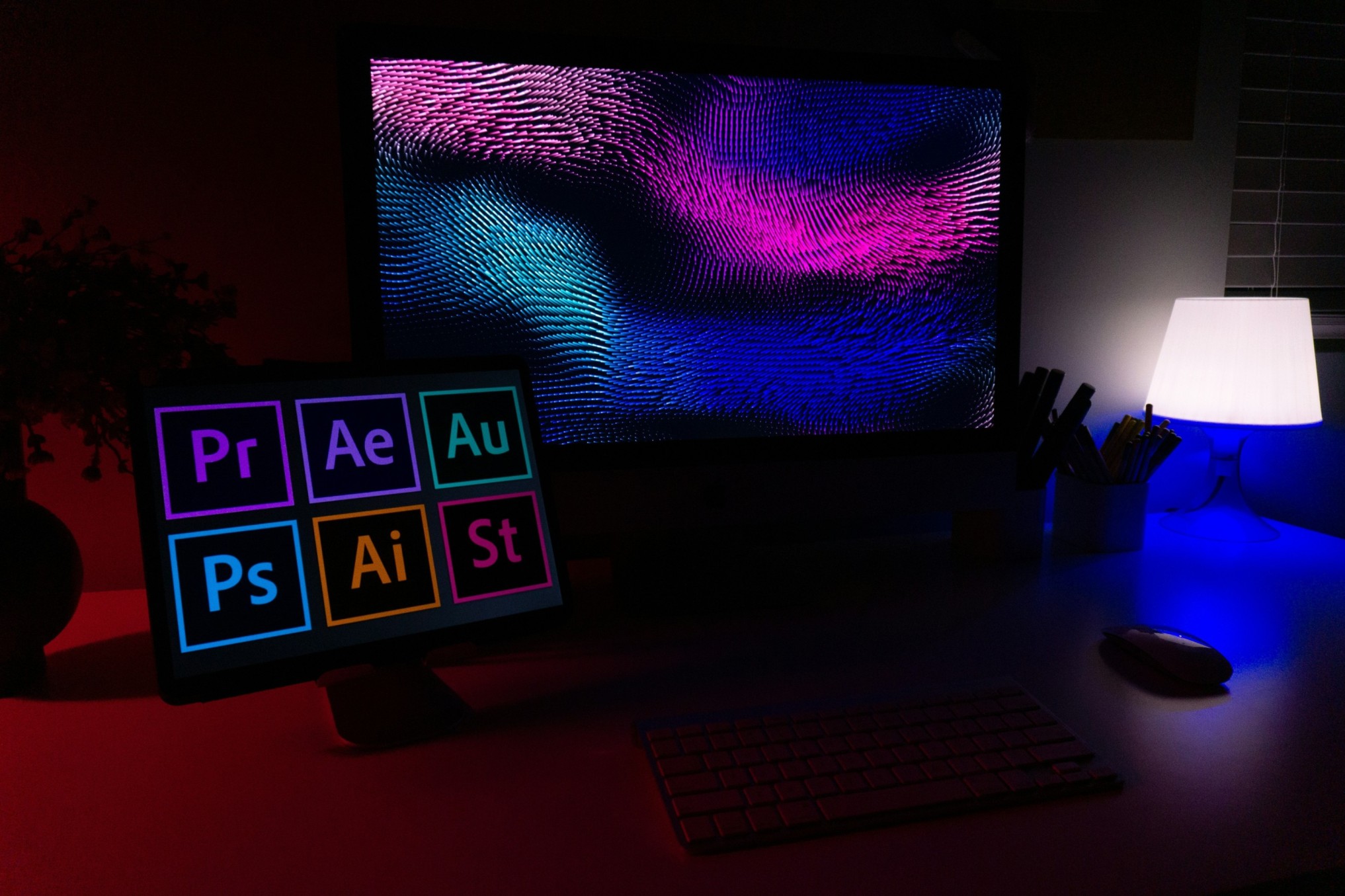
In today’s fast-changing digital world, graphic design is more than just creativity — it’s about combining ideas, visuals, and technology to tell powerful stories. Whether you’re creating social media graphics, brand logos, marketing materials, or website visuals, having the right tools can make your work faster, smarter, and more professional.
As 2025 approaches, technology continues to evolve with better design software, AI-powered tools, and cloud-based solutions. In this blog, let’s explore the top graphic design tools every designer should use in 2025 to stay ahead in the creative industry.
1. Adobe Creative Cloud (Photoshop, Illustrator, and InDesign)
When it comes to professional design, Adobe Creative Cloud remains the gold standard.
- Adobe Photoshop is perfect for photo editing, digital artwork, and social media design.
- Adobe Illustrator is ideal for creating logos, icons, vector graphics, and illustrations.
- Adobe InDesign helps with layout design for brochures, magazines, and posters.
The 2025 version of Adobe tools includes AI-based features, cloud collaboration, and auto-layout adjustments, making them more efficient than ever before. If you want complete creative control and professional results, Adobe’s suite is a must-have.
2. Canva
Canva has become one of the most popular design tools for beginners and professionals alike. It allows you to create beautiful designs in minutes — from social media posts and business cards to flyers and presentations.
With its drag-and-drop interface, millions of templates, and built-in stock images, Canva saves hours of design time. The new Canva Magic Studio (2025) adds advanced features like background removal, AI text-to-image tools, and instant brand kits — making it even more powerful for marketers and designers.
If you want speed and simplicity, Canva is the go-to tool.
3. Figma
Figma has become the top choice for UI/UX designers and web app developers. It allows teams to work together on the same design file in real time — no need for constant version updates or email attachments.
The 2025 version of Figma includes AI-driven prototyping, responsive design suggestions, and integrations with design systems. Designers can easily create websites, mobile app interfaces, or interactive prototypes using its simple yet professional interface.
If collaboration and design precision matter to you, Figma is an essential tool.
4. Sketch
For Mac users, Sketch continues to be one of the most trusted tools for digital design. It’s lightweight, easy to use, and great for designing user interfaces and icons.
Sketch now supports real-time collaboration, vector editing, and cloud sharing, allowing teams to design and review projects together easily. With new plugins and integrations released in 2025, Sketch offers a smooth workflow for app and web design projects.
5. CorelDRAW Graphics Suite
CorelDRAW has been around for decades, and it still remains a top tool for professional designers, especially those working in print and vector graphics.
The 2025 version includes AI-powered image enhancement, dynamic photo effects, and custom vector templates. It’s ideal for logo design, packaging, and large-format printing.
Designers who prefer precision and advanced color management love CorelDRAW for its speed and reliability.
6. Affinity Designer
If you want a powerful design tool without the subscription costs of Adobe, Affinity Designer is a great choice. It’s a professional-grade vector and raster design app used by illustrators, web designers, and branding professionals.
Affinity Designer offers real-time performance, infinite zoom, and advanced brush tools. Its 2025 update includes AI-assisted adjustments and faster export options — making it a great alternative to Illustrator for one-time buyers.
7. Blender (for 3D Design and Animation)
In 2025, 3D design and motion graphics are becoming more popular across industries like advertising, gaming, and product marketing. Blender is a free and open-source software that lets you create high-quality 3D animations, models, and visual effects.
The latest Blender update adds AI rendering, real-time lighting, and motion tracking tools, helping designers bring their creative ideas to life in a realistic way. It’s perfect for designers exploring 3D visualization or animation projects.
8. Procreate
For digital artists and illustrators, Procreate (available on iPad) remains one of the most creative tools in the market. It provides a natural drawing experience with customizable brushes, layers, and quick export options.
Procreate’s 2025 edition introduces AI texture brushes, gesture-based editing, and 3D painting features, giving artists even more control over their designs. It’s ideal for concept art, illustrations, and graphic storytelling
9. Adobe Express
Adobe Express (formerly Adobe Spark) is another great tool for quick design creation. It combines the simplicity of Canva with the power of Adobe.
Designers can create social media graphics, short videos, and web pages easily using ready-made templates. The 2025 version includes AI-powered content generation and instant brand alignment, perfect for marketers and businesses that need professional-looking visuals in minutes
10. Visme
Visme is a rising star in the design world, especially for business presentations, infographics, and visual storytelling. It offers drag-and-drop features, charts, and animations that make data-driven designs more appealing.
In 2025, Visme’s new features include interactive content creation, AI layout recommendations, and team collaboration tools, helping brands turn plain information into engaging visuals
11. InVideo
If video content is part of your design strategy, InVideo is a must-have. It allows you to create marketing videos, social media reels, and ad clips easily with templates and stock footage.
The 2025 update includes AI voiceovers, smart scene transitions, and auto-script generation, making it simple for designers to produce high-quality videos even without prior editing experience.
12. Gravit Designer
Gravit Designer is a free, web-based tool for creating vector graphics, icons, and illustrations. It’s perfect for designers who need to work from any device with an internet connection.
The new version adds cloud sync, advanced text tools, and PDF editing support, making it a handy alternative for small businesses or freelance designers who want flexibility without extra cost.